Nobody read the prompt
Students skipped the instructions, and even when they read them, they didn't understand what to do.
From an off-target first version to a pilot in two institutions, in six weeks.
TL;DR
Artemya lets psychology students practice clinical care with an AI virtual patient. I started from a long product definition and an AI vendor's first version that fell far short of what the CEO expected. In six weeks I took it to a pilot in two institutions, leading the discovery, the MVP cut, the identity and the interface.
The key call: tests showed nobody read the prompt. Instead of explaining every step, I kept the friction of reading the case, which is the clinical skill being trained, and removed only the friction that taught nothing.
6 weeks
from a product definition to the pilot
~10
accessibility barriers removed before the pilot
394 / 2
unique users / institutions in the pilot, per Clarity
The product in motion
A loop through the live product: onboarding, sign-in and a practice session with a virtual patient. It runs in Portuguese, the product's language.
Open full screen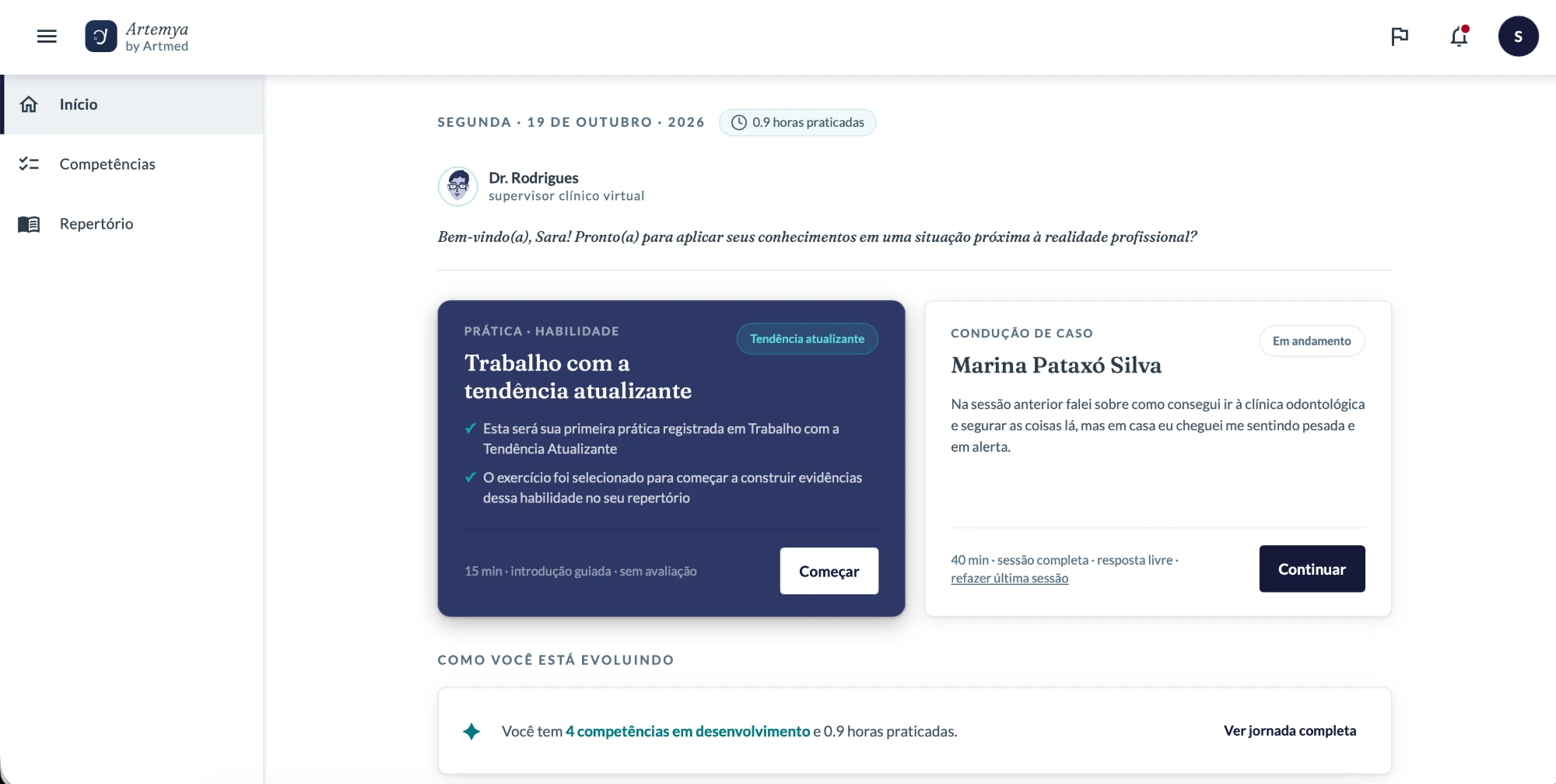
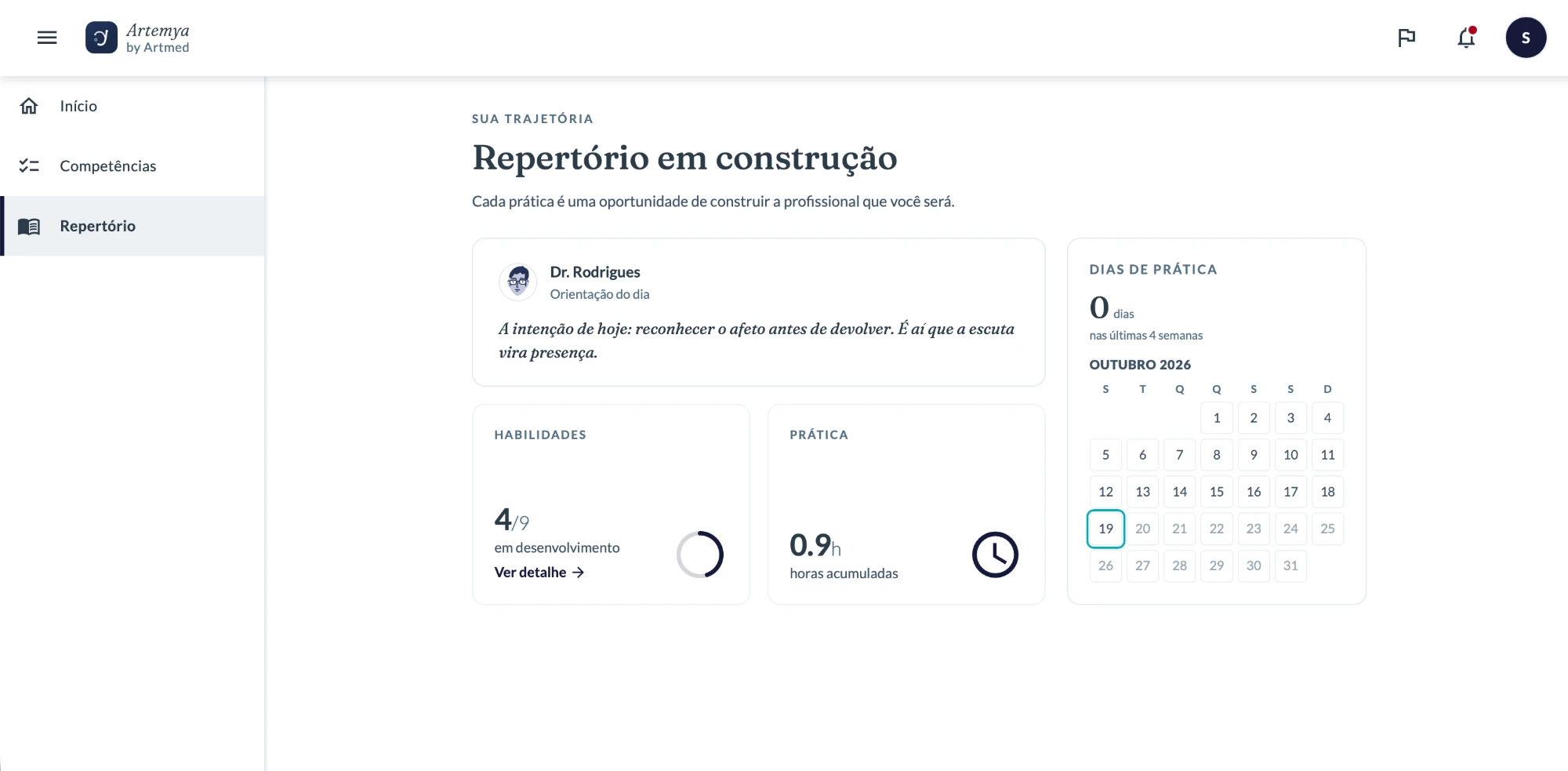
Artemya only works if the student can run the practice alone: if they get stuck early, or the patient sounds artificial, the practice loses its value. I started from a long product definition and a vendor version with no identity and no agreed MVP. The team knew the product well, which made it easy to assume students would find their way.
The team: me leading design, alongside another designer, two product people, a psychologist and a partner AI company. I led the project from day one.
I used AI from the first day, in three ways:
To understand
To organize the product definition and map the flows, the mechanics of the practice and its limits before drawing any screen.
To prototype
I prototyped in Claude Design, with complete, descriptive prompts that I built in Claude Code from the documentation, so each screen followed the product rules.
To test the patient
The virtual patient is AI too, so I tested its conversations repeatedly and organized the findings by type of behavior, to fix with product and the psychologist what broke the practice.
Interviews and moderated usability tests with psychology students, a second round on mobile with different students, repeated testing of the AI conversations, and an accessibility review on my own initiative.
Students skipped the instructions, and even when they read them, they didn't understand what to do.
Interactive elements read as static, so students didn't know where to act.
Repetitive responses, gender and context inconsistencies, and feedback that talked about the student instead of to them.
Around 10: focus, keyboard navigation, contrast, and elements invisible to assistive technology.
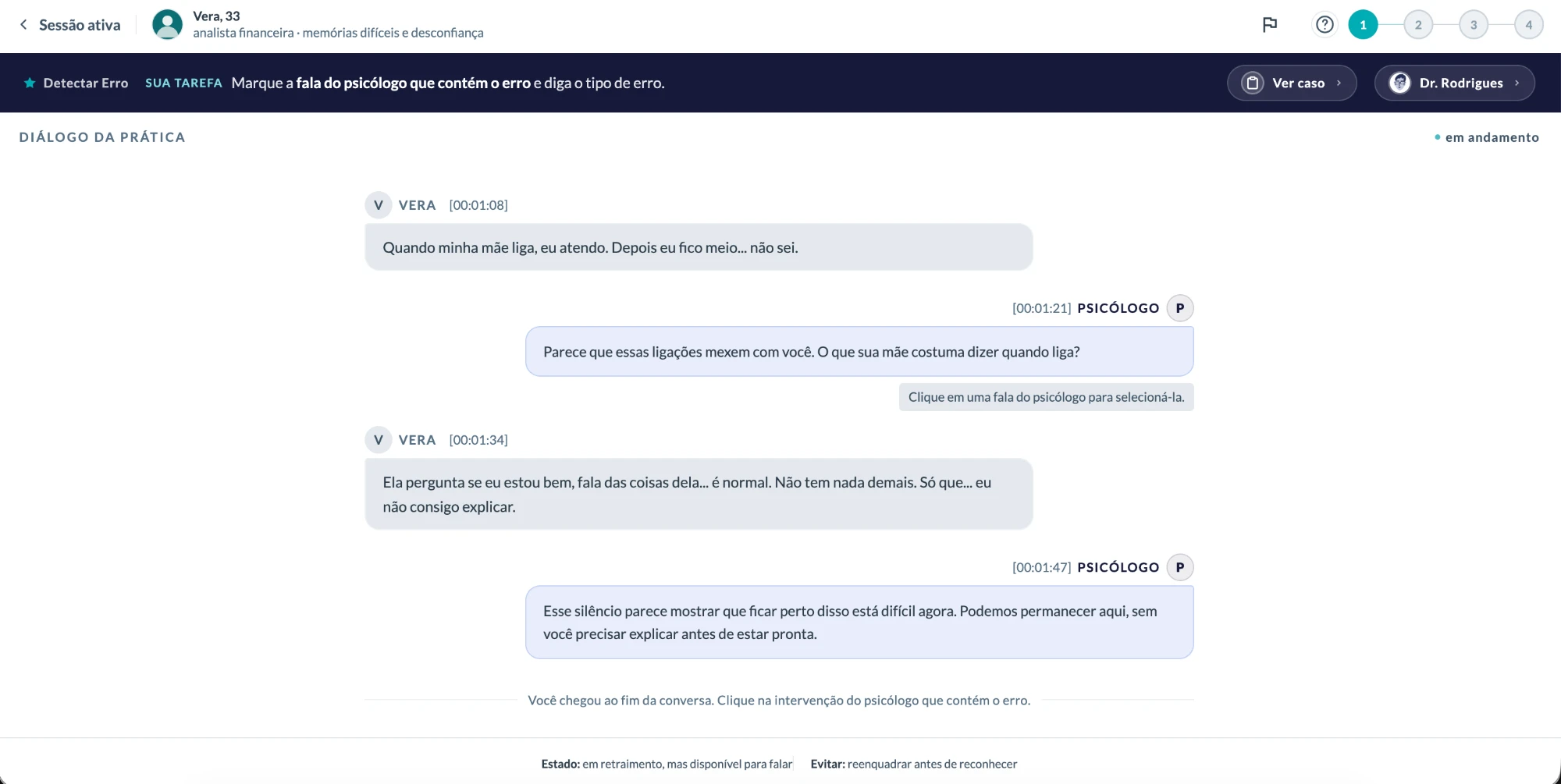
Before
Guidance sat far from the task, competing with everything else.
After
It appears where the student acts, and the task is clearly primary.
Before
Clickable elements read as static.
After
State and contrast signal that they are actionable.
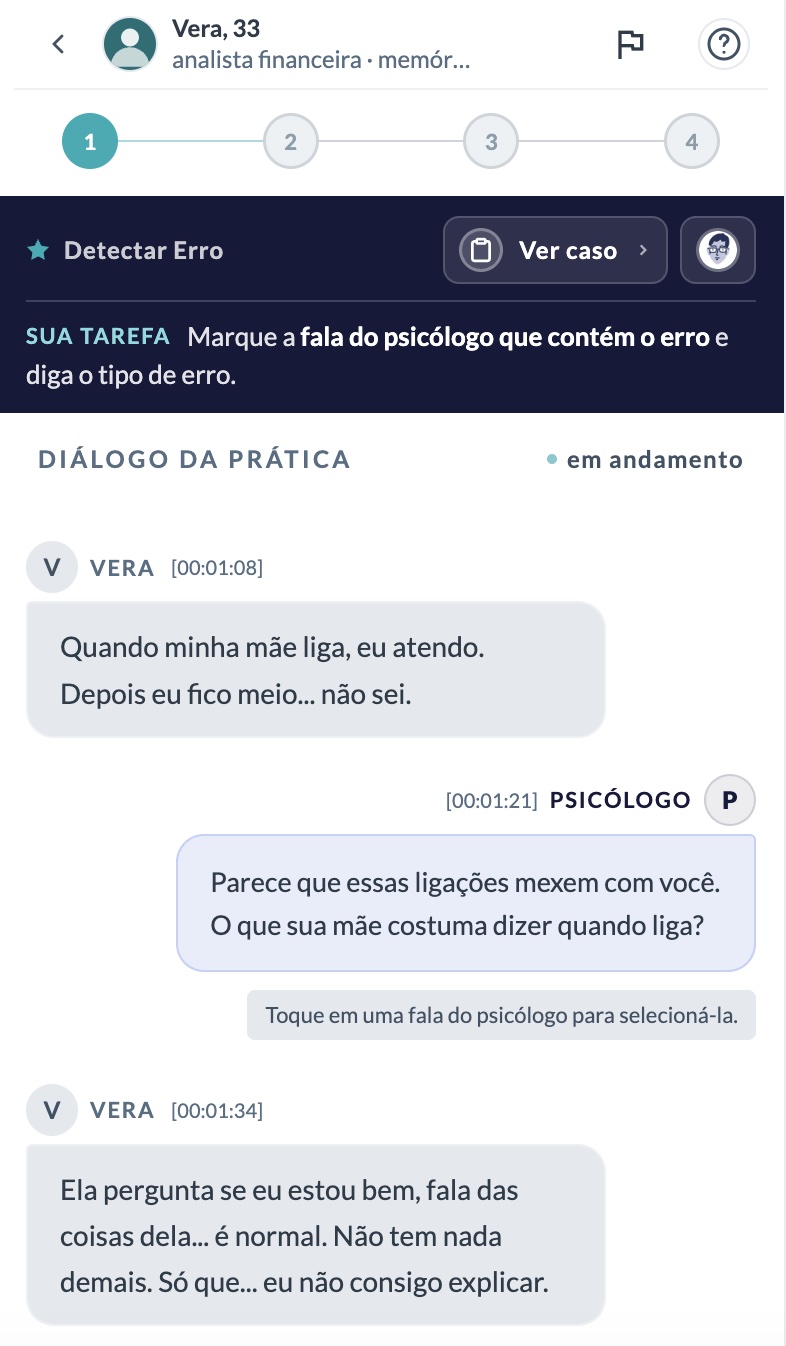
Before
Repetitive responses and inconsistencies broke the immersion.
After
Adjusted with Product and the Psychology specialist, then validated by repeating the tests.
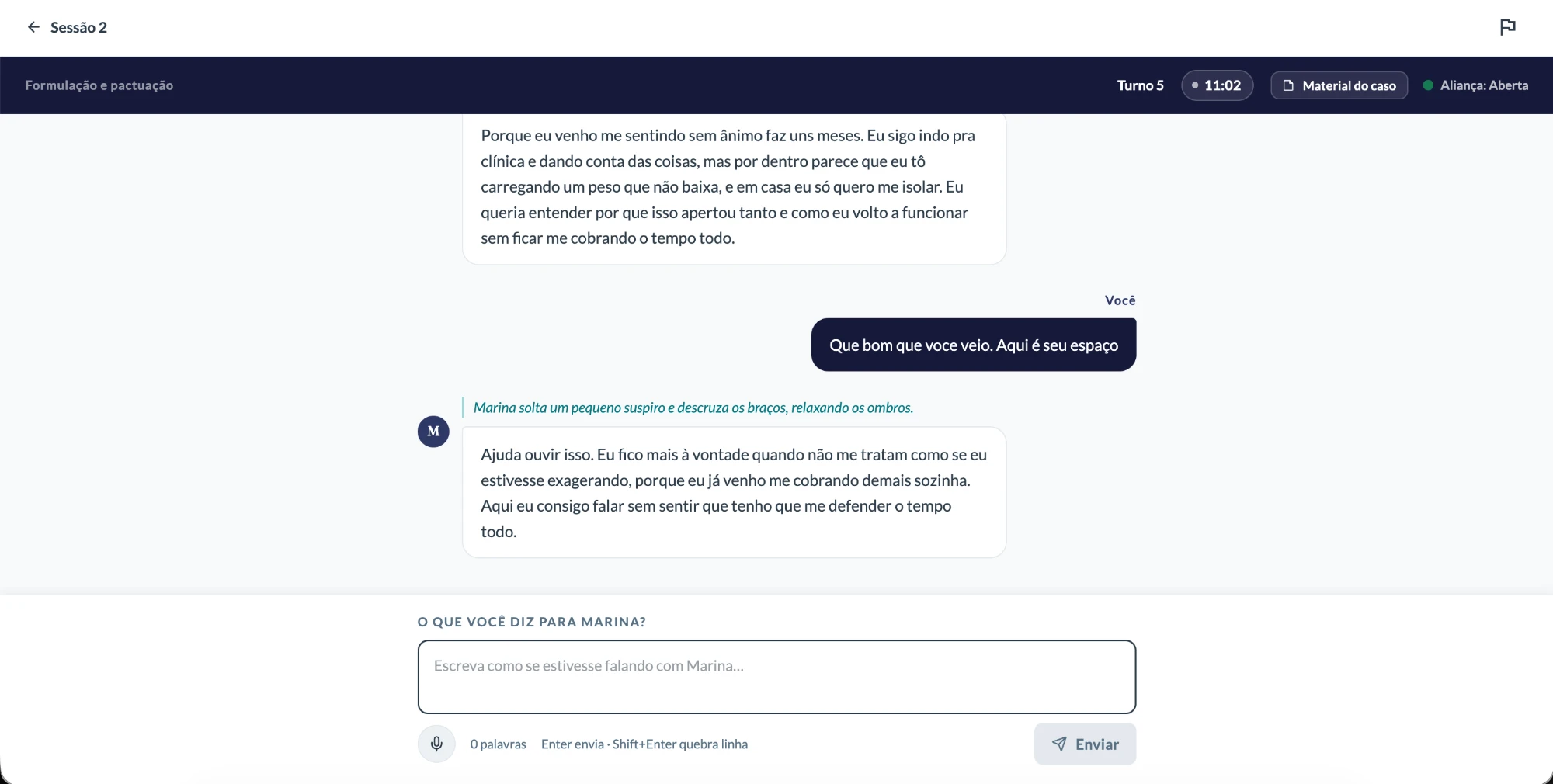
Before
No structured accessibility review in the QA sign-off process.
After
Fixes documented directly in the handoff specs, so the correction didn't depend on someone remembering it.
Alternatives I ruled out
Spelling out every step would solve in the interface the very reading the student is there to practice. Lighter aids didn't work either: a hint arrives after the student is already stuck, a worked example becomes an answer key, and a guide up front is forgotten by the time it's needed.
What I chose
I kept the structure of the prompt and split the friction into two kinds: what was the exercise (reading, interpreting, deciding what to do) and what was just in the way (instructions far from the action, controls that didn't look clickable, an extra step that confused more than it taught). I removed the second kind and kept the first.
In its place, layered instruction next to the task: a strip with the task and a "see full case" link. It lowers the friction without taking the reasoning away from the student.
What I gave up
A harder first attempt. I accepted that cost on clinical and pedagogical grounds: the goal is to train reading, not obedience to instructions, and the team agreed.
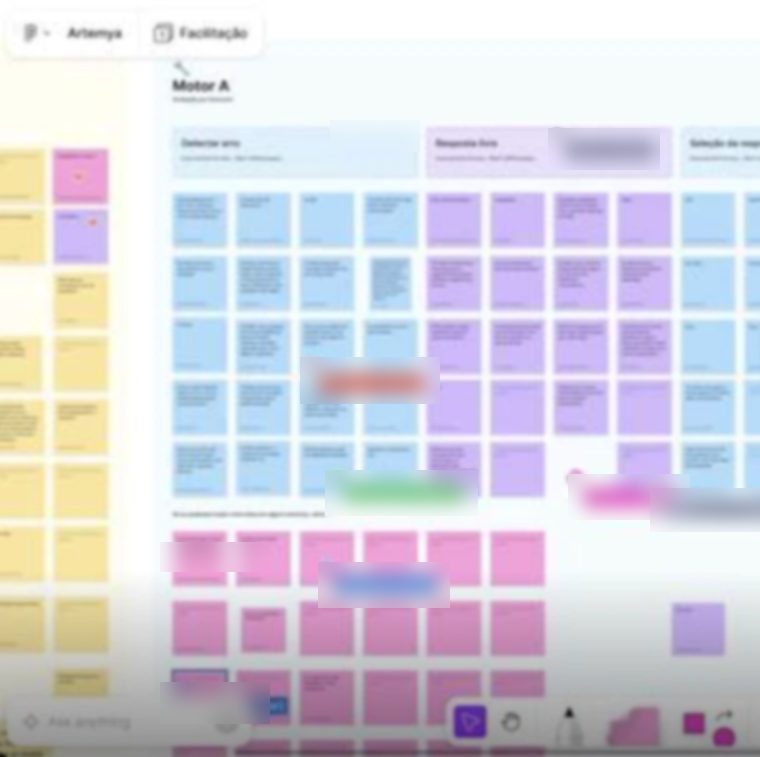
Some students could keep getting stuck on the part I kept. The signals I planned to watch: use of the optional guide, time spent on the first screen, and what volunteers say in interviews. To read them, a post-it exercise on a shared board and open interviews, with questions that don't lead.
Improved
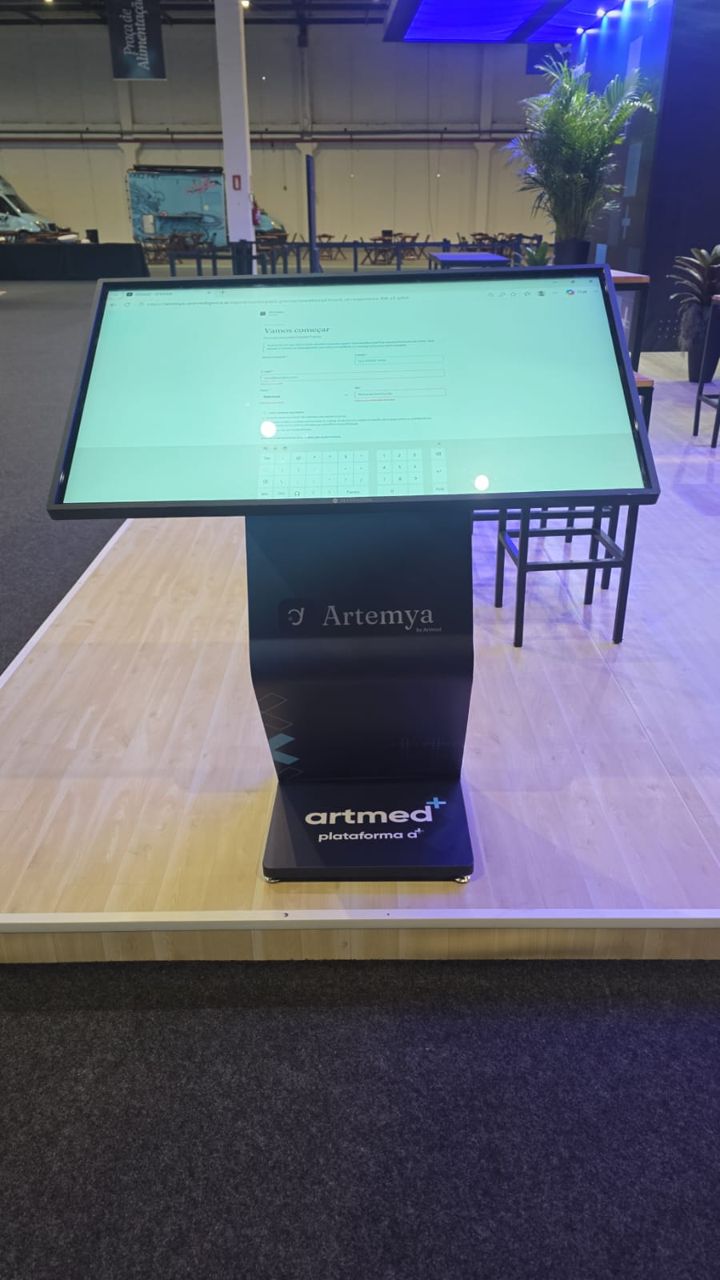
The product reached the pilot with its own identity and a flow reshaped by testing. The AI's credibility issues were fixed and tested again, and around 10 accessibility barriers were fixed through the handoff specs.
Got worse
At first access, 13 of 21 students described the experience as easy. Four missed initial guidance, the cost of not spelling everything out at the entry. The "Fragile" label, meant for the learning trajectory, showed up in the feedback on each answer and was read as a verdict. That changes how the stages should be named.
What the round showed
After the pilot, I planned and ran a feedback round with about twenty students at one of the two institutions, using sticky notes on a shared board, one column per exercise type, and questions that didn't lead the answer. It's an early read, not a final result. The criticism wasn't about getting started or finding their way through the product. Most of it was about how answers are evaluated and about feedback that doesn't point to a next step. Students accept making mistakes; they want to know how to get it right. So the next design problem is the feedback itself.
"There's no problem in making mistakes, but the means to learn are missing." A student, in the feedback round.
Beyond the pilot
What I'd do differently
I'd test with a few students before locking the pattern across every exercise, including the names of the stages. I'd align early with the clinical lead on what depends on them, like when the guide triggers. And I'd write the decision down in a decision log, with the trade-off, while it was happening.
Next design questions
Left out of the pilot
Testing surfaced ideas beyond the brief, like letting students hear the patients' lines spoken aloud. That stayed out of the pilot due to implementation constraints.
+A Educação, 2026. Some numbers and internal details have been generalized for external use.
Next case
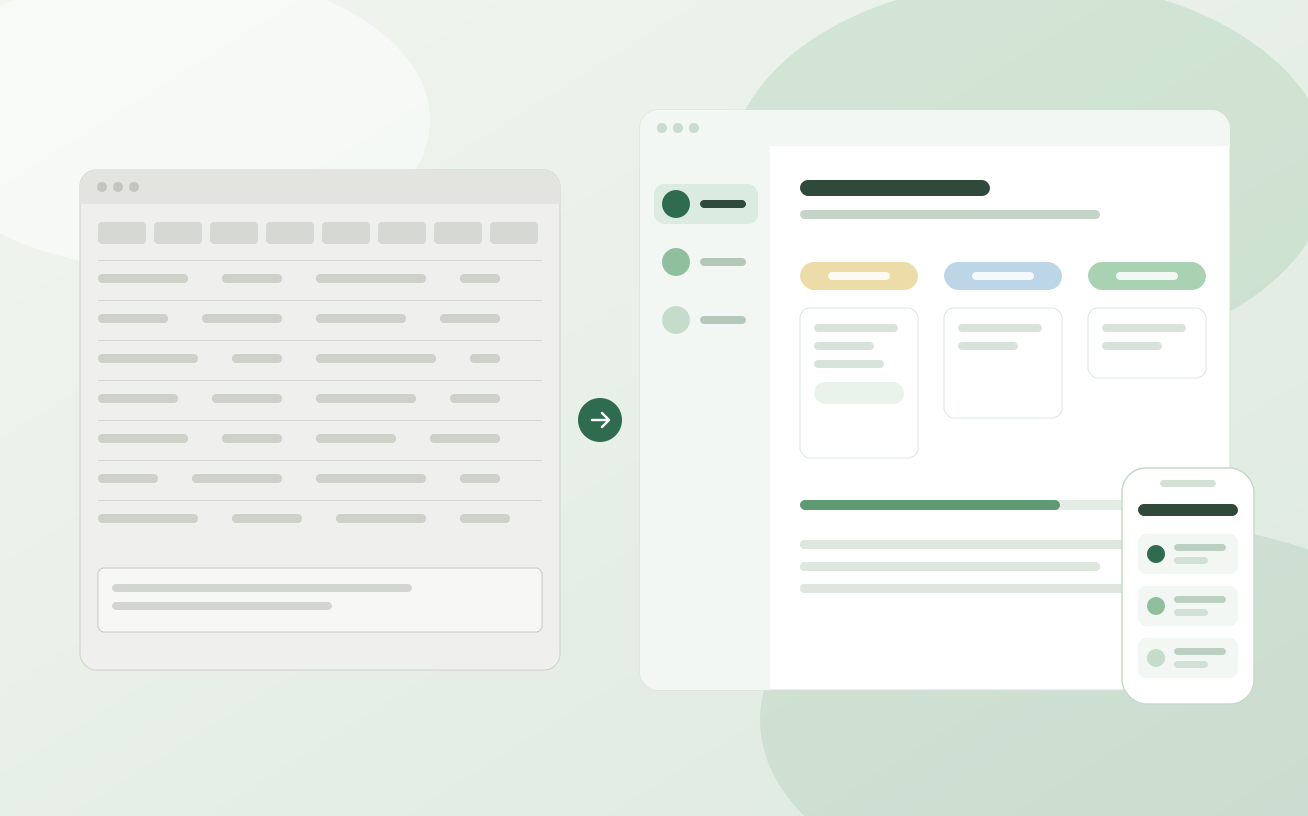
The research showed where the new experience still broke in real use, and changed the product's priority.
View case study